
Video · 9:16 · social
VIDEO TEMPLATES FOR FAST SOCIAL CONTENT
Start with a format that already moves.
Browse editable short-video directions across slow motion, photo collage, text effects, promos and everyday social posts. Replace the sample media with your own story.
Paid access only. External editing and rendering are simulated in this launch build.
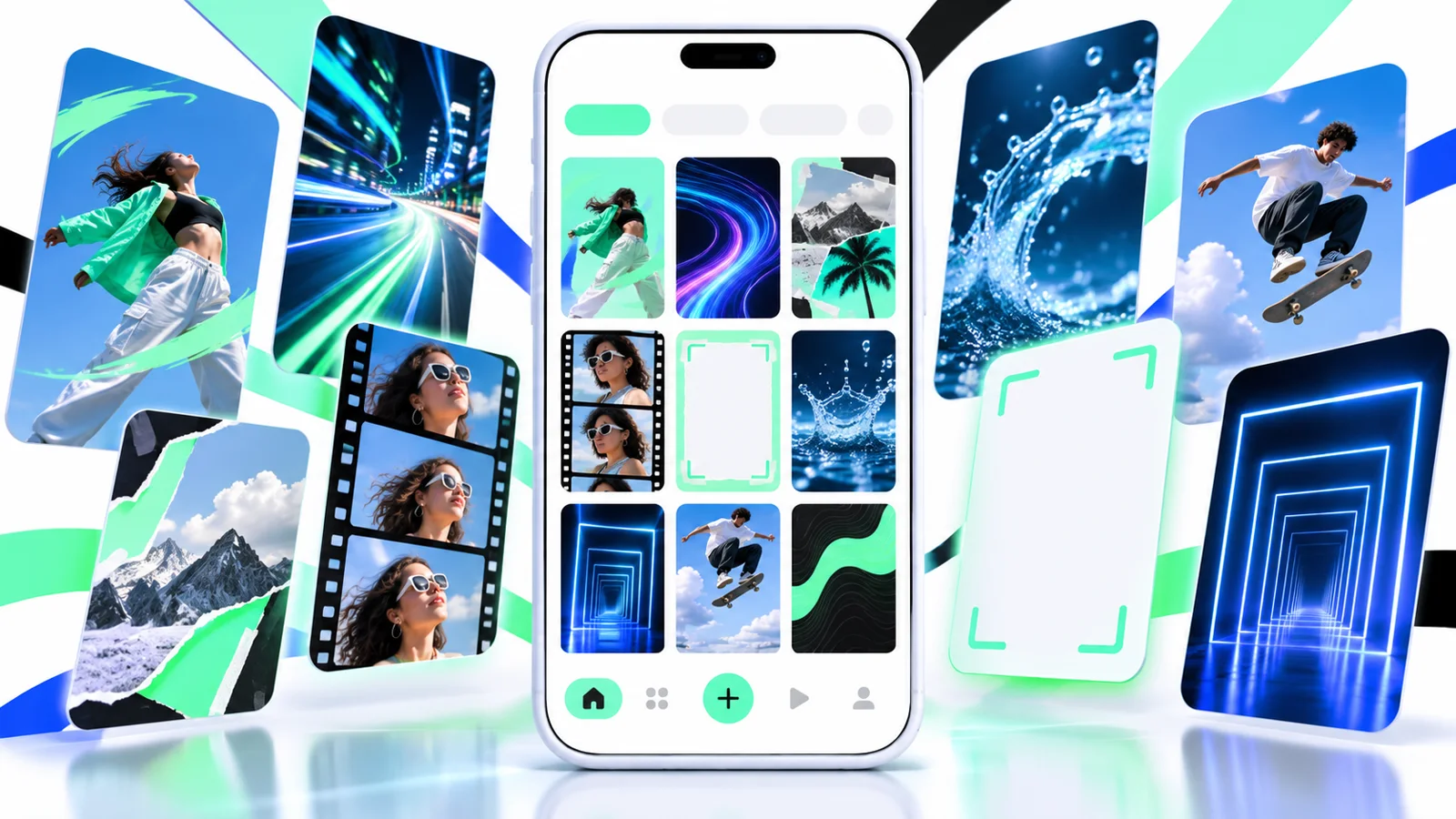
Template gallery ready
9:16Social-first format
1:1Square layouts
4KExport direction
∞Creative variations
LIVE CREATIVE SYSTEM
Find a rhythm, then make it yours.
Each template groups scene order, pacing, typography and effects into a clear starting point.
Slow motionPhoto collageText effectsPromotionsCelebrationsTravelFashionEveryday posts
Photo · 1:1 · campaign
Three-photo montage
Effects · 16:9 · promo
Text and transition pack
A SHORTER WORKFLOW
Preview the structure before you replace a single clip.
The launch workflow keeps format, scene count and creative direction visible while you choose.
Pick a visual direction
Filter by video, image, motion, promotion or the number of clips in the project.
Review the scene rhythm
Compare timing, captions, transitions and the intended aspect ratio before editing.
Replace the sample media
Use your own footage, photos, text and music while keeping the template structure.
BUILT FOR MOMENTUM
A library built for the first 30 seconds of work.
The paid interface focuses on selection, comparison and a clean handoff into the editing flow.
Format-aware filters
Move quickly between vertical, square and widescreen directions.
Scene previews
See the intended sequence before committing to a template.
Editable layers
Keep captions, colors, timing and transitions open to customization.
Social-ready presets
Start with a layout designed for feeds, stories and short-form video.
START SOMEWHERE
Choose the moment you need to make.
Product launchTravel recapBirthday storyFashion dropSports highlightPhoto montageBefore and afterSale announcementEvent recap
PAID ACCESS, NO FREE TIER
Choose the pace that fits your work.
Every plan includes the full creative workspace and the simulated priority queue.
Starter
For occasional social videos and personal edits.
$7.20/mo
$86.40 billed annually- Editable template library
- Core video categories
- Social aspect ratios
- Google account sign-in
- Cancel anytime
Creator
For creators publishing a steady short-video cadence.
$15.20/mo
$182.40 billed annually- Everything in Starter
- Expanded template access
- Higher project volume
- Premium visual directions
- Priority processing queue
Pro
For teams producing campaigns and recurring formats.
$31.20/mo
$374.40 billed annually- Everything in Creator
- Team-ready workspace
- Largest template allowance
- Shared project conventions
- Priority onboarding
Every plan includes the template library, editing workflow and simulated processing queue. Prices are in USD. Checkout opens directly on Stripe and renews until cancelled.
QUESTIONS, ANSWERED
Template questions.
What happens after I press Use template?
Signed-out visitors are asked to use Google. A signed-in account without a plan continues to pricing. Active members enter the simulated priority queue.
Can I edit the sample media and text?
The workflow is designed for replacing sample clips, images, copy, colors and music with your own project content.
Does the site export a final video?
The launch build demonstrates the paid template workflow. External editing and final rendering are not connected yet.
How is billing handled?
Plans open directly on Stripe-hosted Checkout. Card details are entered on Stripe and recurring plans renew until cancelled.